
Teachers can embed a Wixie project inside an existing web page.
Open the project you want to share.
Click the File menu and choose Share.
You will see the Share dialog.
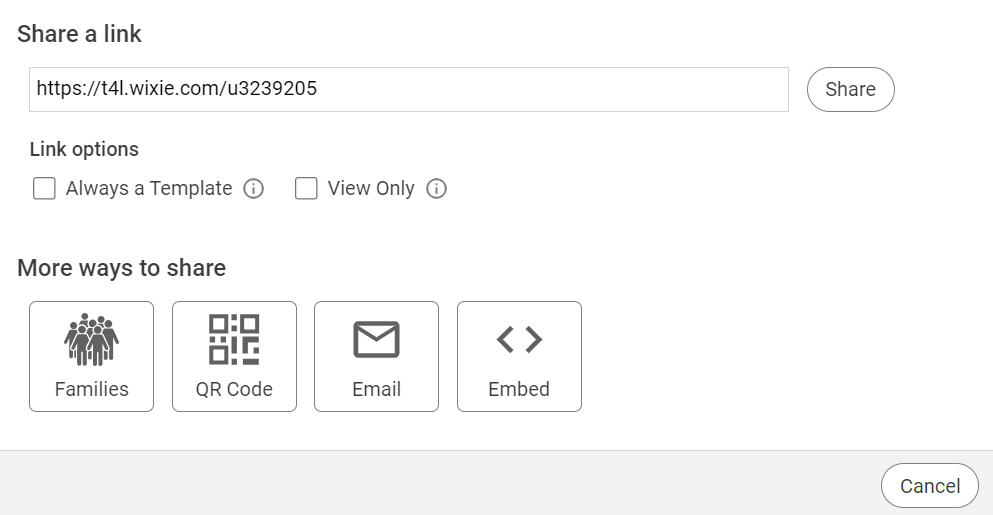
Click the Copy Embed button.
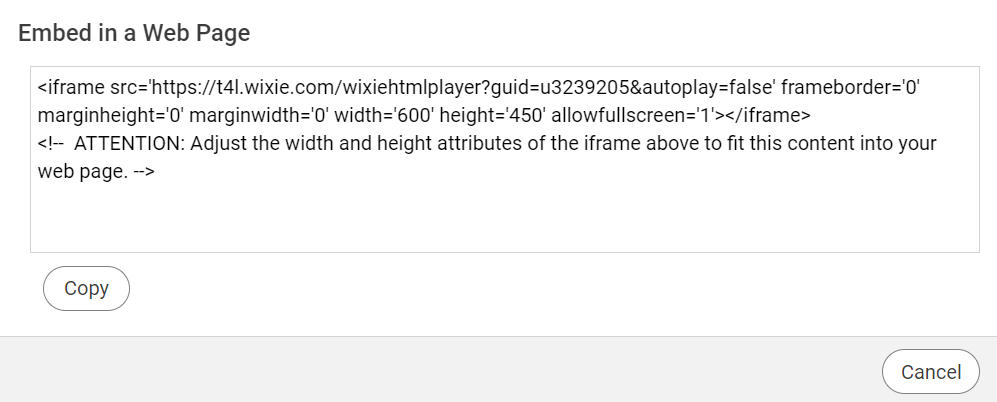
You will see a new dialog with the embed code.
You will see the Share dialog.
Click the Copy Embed button.
You will see a new dialog with the embed code.
Click the Copy button.
Open your web authoring tool and paste the embed code in the location that you want it.
Open your web authoring tool and paste the embed code in the location that you want it.