
You can add a background image to a page.
Click the Arrow button on the tool palette.

You will see the Page panel.
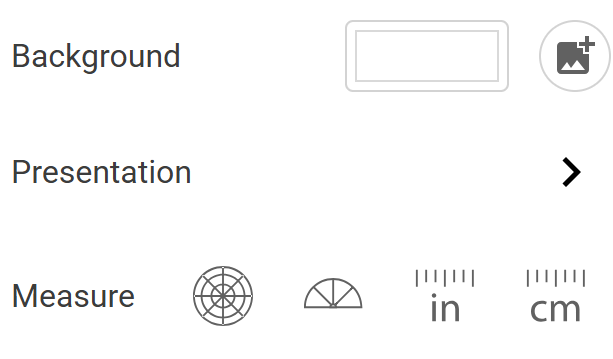
Click the Image button in the Background area.

You will see the backgrounds dialog.
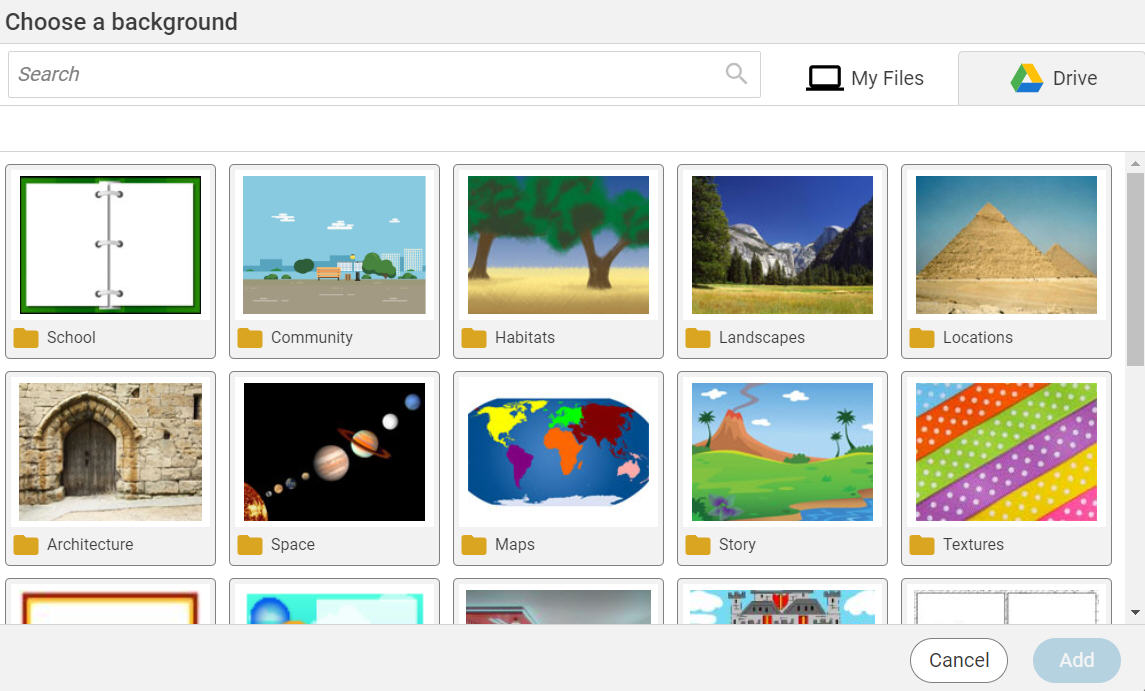
Click a category to open it.
Click a background.
Click the Add button.
The image will be added as the page background.
Backgrounds appear behind painting, text objects, and stickers.
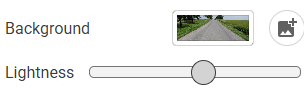
You will see the Page panel.
Click the Image button in the Background area.
You will see the backgrounds dialog.
Click a background.
Click the Add button.
The image will be added as the page background.
Backgrounds appear behind painting, text objects, and stickers.
To change the lightness of the background image, drag the Lightness slider on the editing panel.