You can use a page you created in Wixie as your profile image.
Click the Wixie project button in the new project list.

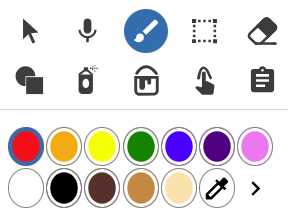
Use the paint tools and colors to draw a picture.
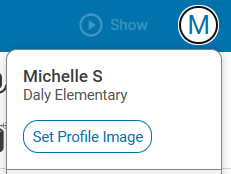
When you are done, select your account icon in the upper right corner.
Click the Set Profile Image button.
Your profile image will update when you go back to your project list.
View a tutorial you share with students or print.
Curriculum Connections
Wixie includes a Profile Image template that makes it easy to see what Wixie will show in the profile circle.
Use the Profile Image template for projects involving circles, like:
- create a new commemorative coin to honor a hero.
- design a sticker with a positive message (print on sticker paper at trading card size).
- explore emotions by creating your own emoji.