
Teachers can add an assessment to a student project that does not have one.
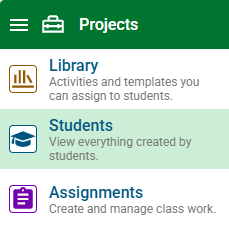
Click the main menu and choose Students.
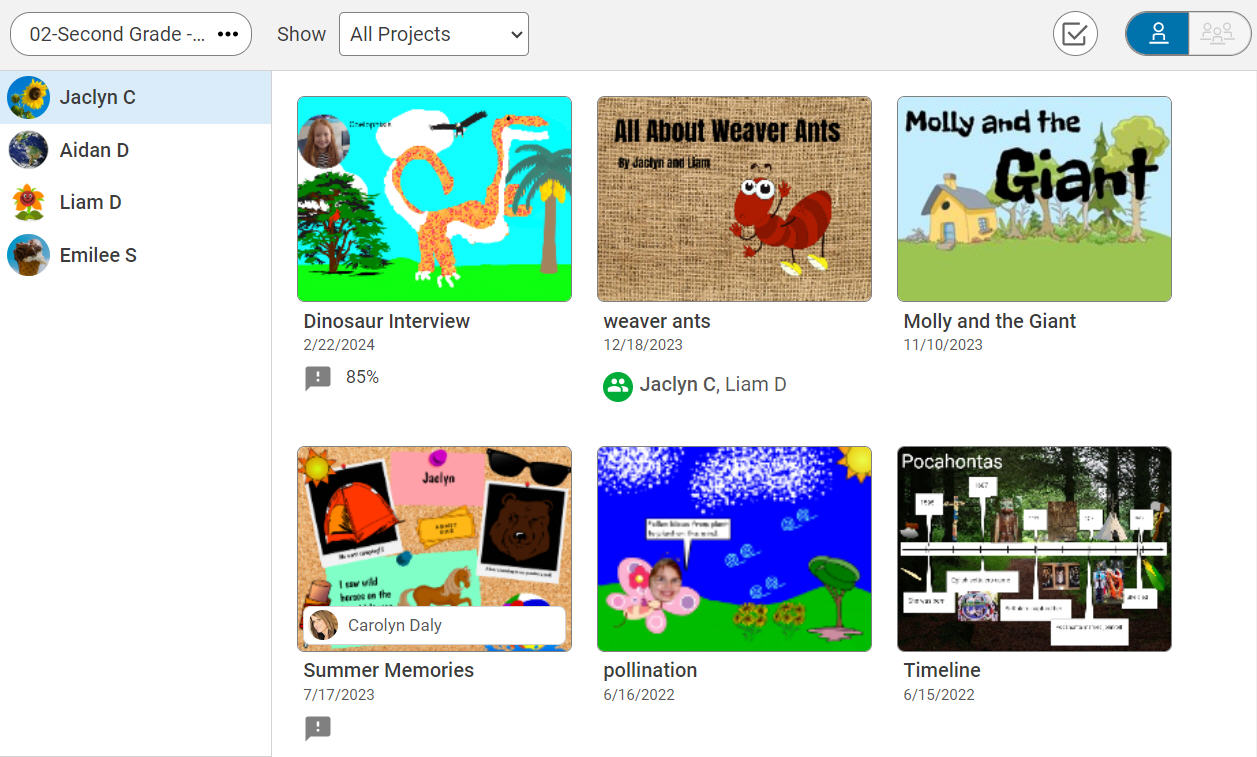
Click a student in the list.
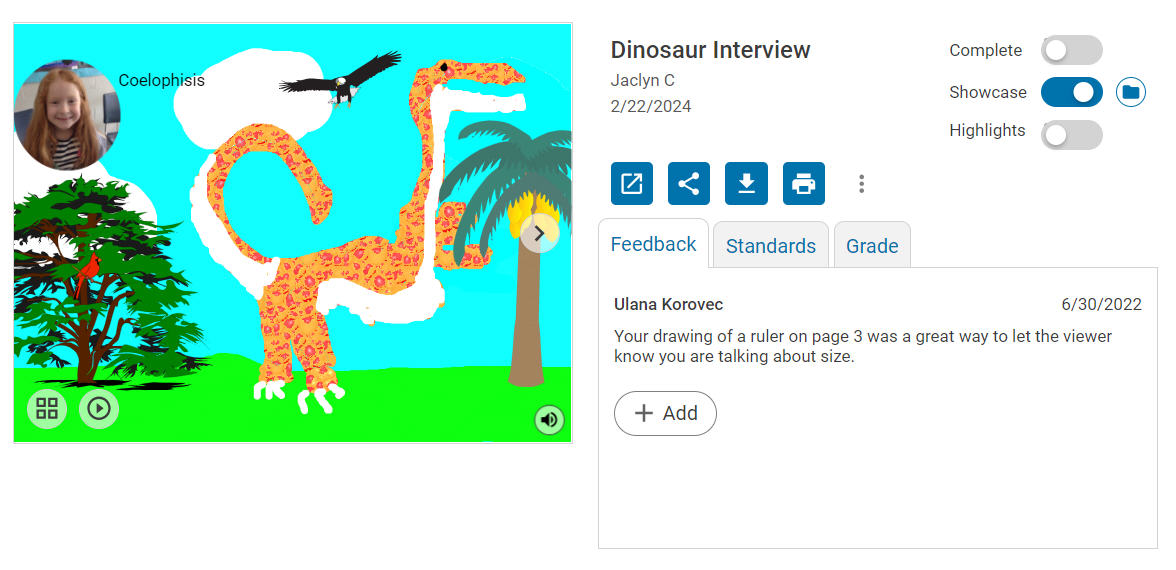
Click the project you want to add the assessment to.
You will see the project details page.
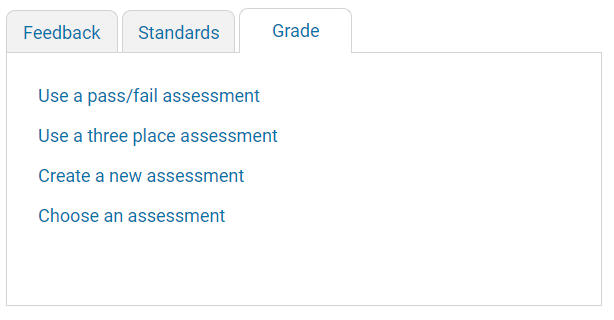
Click the Use a basic pass/fail assessment link if you want to use a pass-fail assessment.
Click the Use a three place assessment link if you want to use an assessment with complete, incomplete, and not done options.
Click the Create a new assessment link if you want to create a new rubric to use with this project.
Click the Choose an existing assessment link if you want to select a rubric you have already created or one from the library of assessments in Wixie.