
Teachers can add feedback to student projects.
Click the main menu and choose Students.
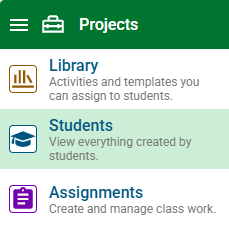
Select a student from the class list.
You will see the projects for this student.
Click a project.
In the Feedback tab, click the Add button.
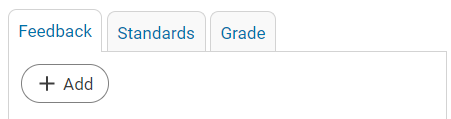
Add your comments.
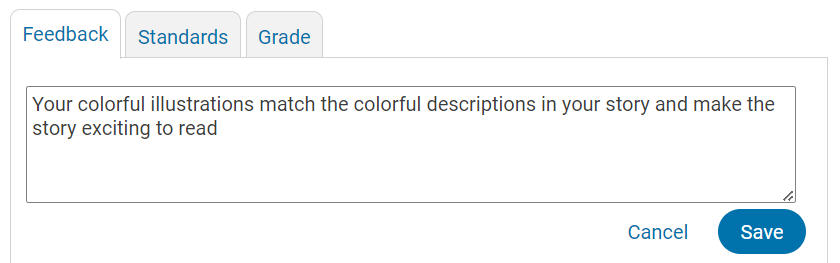
Click the Save button.
The student will be able to view the feedback on the instructions panel when they open the project.