
Teachers can search for projects and templates by a standard.
Click the More button in the Search field.

You will see the Advanced Search dialog.
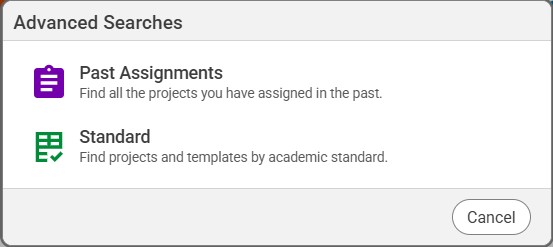
Click the Standard button.
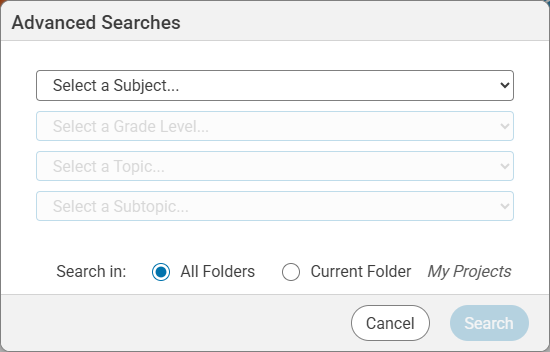
Use the pull-down menus to narrow your search by subject, grade, topic, and subtopic.
Click the Search button.
You will see projects that have this standard assigned.
You will see the Advanced Search dialog.
Click the Standard button.
You will see the options for selecting a standard.
Click the Search button.
You will see projects that have this standard assigned.