
Teachers can attach standards to the projects students create in Wixie.
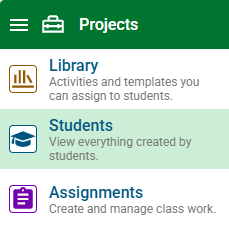
Click the main menu and choose Students.
Click a project to open it.
Click the Standard tab.
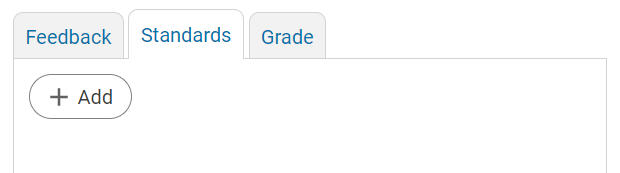
You will see any standards that have already been attached.
Click the Add button.
Select a standard using the pull-down menus.
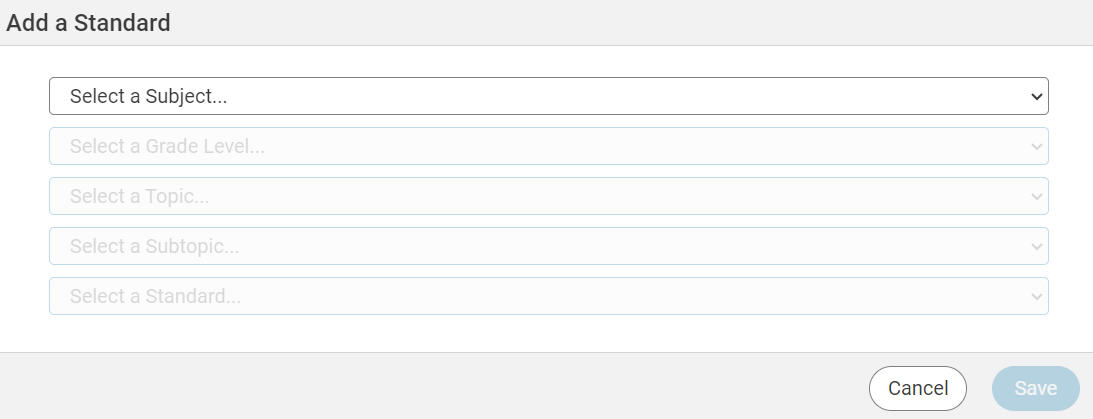
Click the Save button to assign the standard.