
You can share a Wixie project by email.
Click the File menu and choose Share.
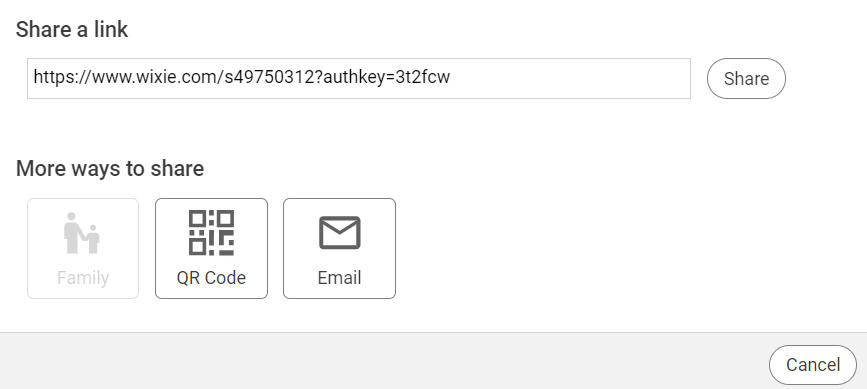
You will see the Share dialog. The options in this dialog will depend on the sharing options used by your school.
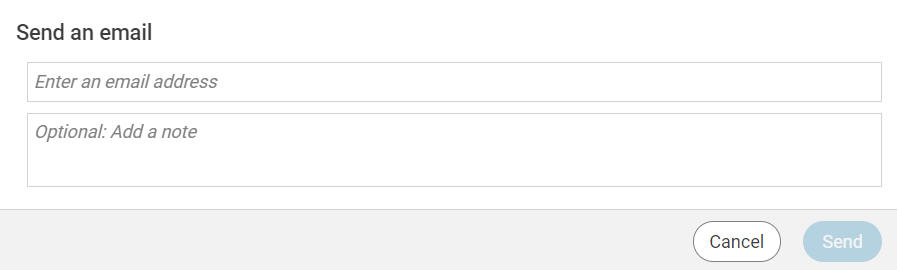
Type the email address of your recipients in the Email(s) field.
You will see the Share dialog. The options in this dialog will depend on the sharing options used by your school.
Click the Email button.
Type the email address of your recipients in the Email(s) field.
Type a message in the message field. This message is optional.
Click the Send button.
Click the Send button.