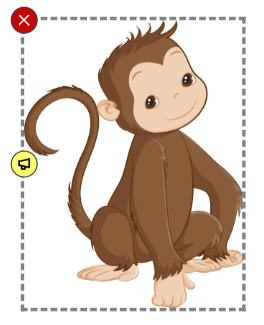
You can set the properties of an object you have added to a page to remove the scaling handles so that the object cannot be resized.
This is especially useful if you are creating an activity that requires click and drag and you do not want students to accidentally resize the object.
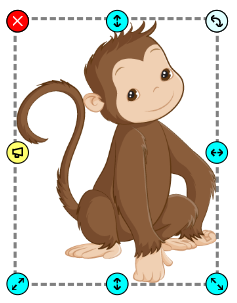
Click the File menu, choose Edit, and select Properties.
You will see the Properties dialog.
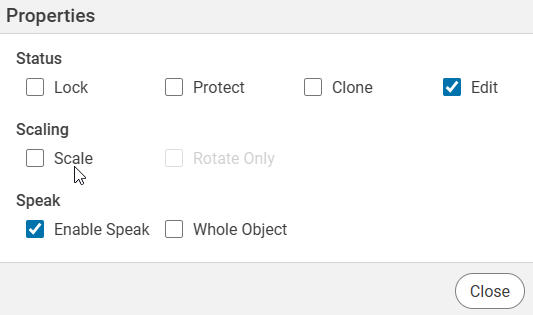
Click the Scale check box.
Select the Close button.
You will no longer see the scaling handles on the object and the user will not be able to resize.