
You can make it so you cannot delete an object.
Select an object.
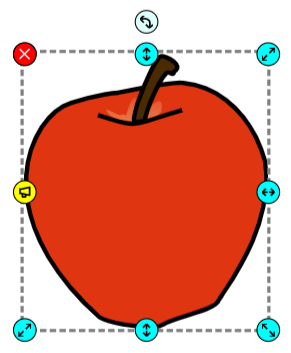
Click the File menu, choose Edit, and select Properties.
You will no longer be able to delete the object.
Click the File menu, choose Edit, and select Properties.
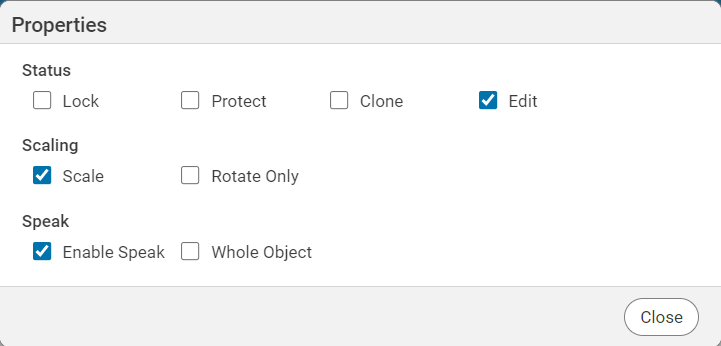
You will see the Properties dialog.
Click the Protect check box.
Click the Close button.
You will no longer be able to delete the object.