
You can import pages from a project another student has shared.
Click the File menu and choose Import Pages.
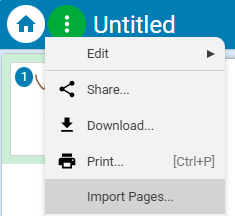
You will see the Import Pages dialog.
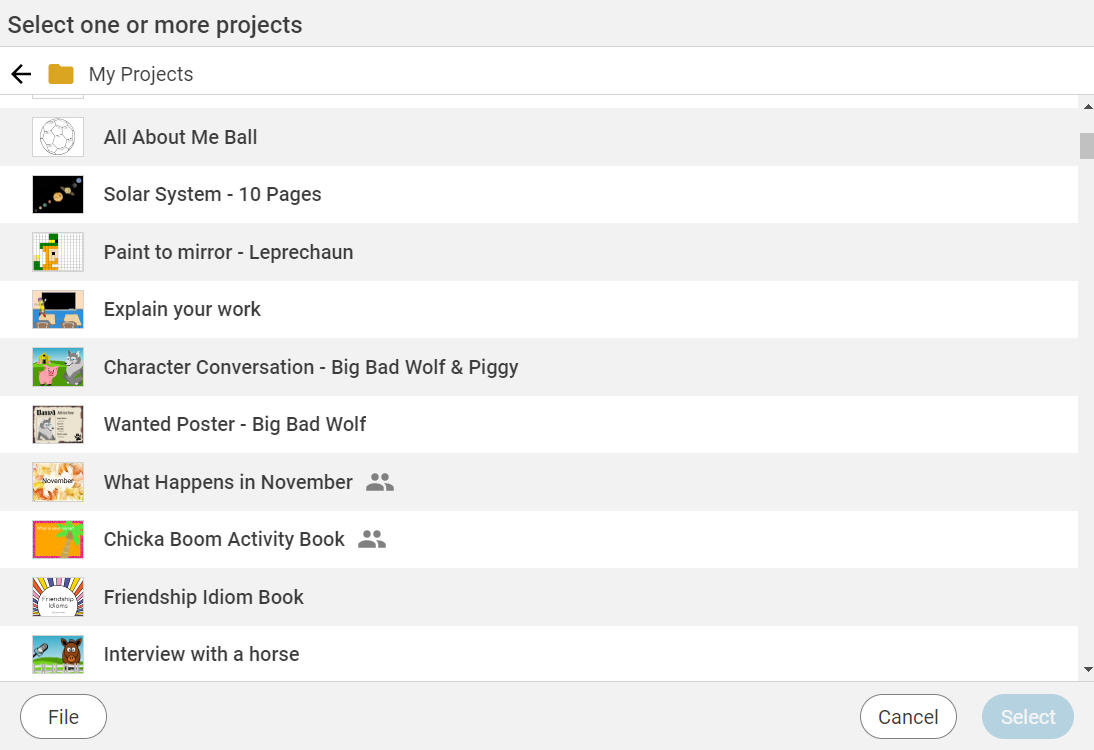
Click the Arrow next to My Projects.

Click My Classes.
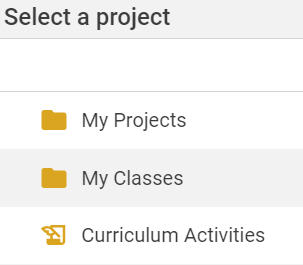
Click a Class.
Click the name of a student.
Click a project.
Click the Select button.
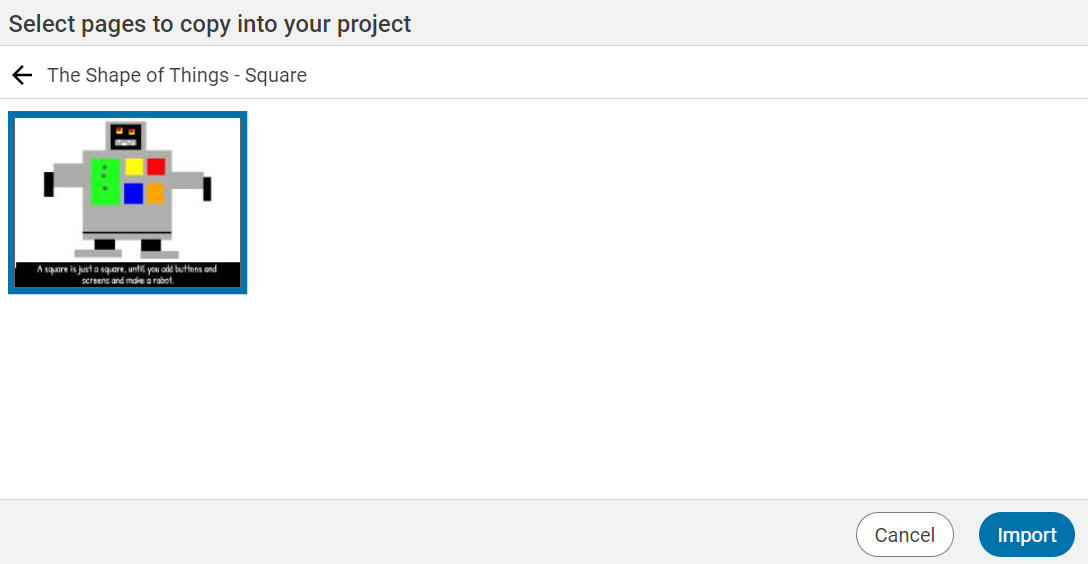
You will see the pages in the project.
Click the page or pages you want to import.
Click the Import button.
The pages will be imported after the current page in your project.
You will see the Import Pages dialog.
Click the Arrow next to My Projects.
Click My Classes.
Click a Class.
Click the name of a student.
Click a project.
Click the Select button.
You will see the pages in the project.
Click the page or pages you want to import.
Click the Import button.
The pages will be imported after the current page in your project.
Note: If the page you import was created in the mind mapping tool, the imported page will show the entire mind map on the background layer.