
You can set an object to clone when you are building activities. An object set to clone will create copies of the object when it is dragged.
Select an object.
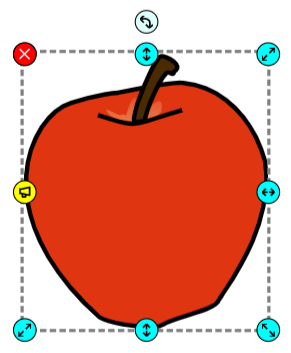
Click the File menu, choose Edit, and select Properties.
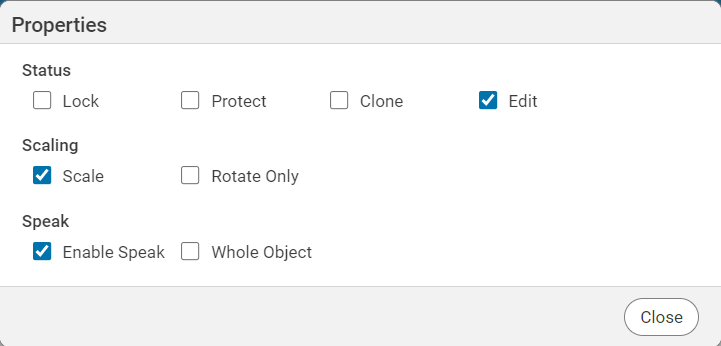
Click the File menu, choose Edit, and select Properties.
You will see the Properties dialog.
Click the Clone check box.
Click the Close button.
You will see the handles on the object change to indicate the object will clone.
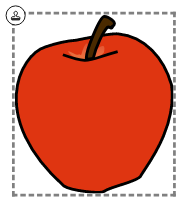
Now, when you click and drag the object, a copy will be created instead of moving the original object.
To edit the object, click the File menu again, choose Edit, and select Properties.
This will turn off cloning.
You will see the handles on the object change to indicate the object will clone.
Now, when you click and drag the object, a copy will be created instead of moving the original object.
To edit the object, click the File menu again, choose Edit, and select Properties.
This will turn off cloning.