
You can rotate a sticker.
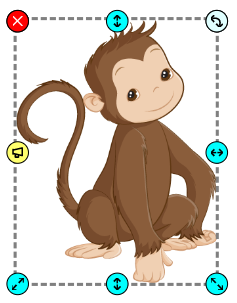
Click a sticker to select it.
You will see the sticker options panel.
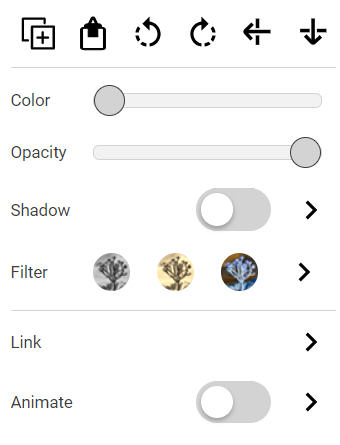
Click the Rotate Right button to rotate the sticker 90 degrees to the right.

Click the Rotate Left button to rotate the sticker 90 degrees to the left.

Click and drag the rotation handle to free rotate the sticker.

You will see the sticker options panel.
Click the Rotate Right button to rotate the sticker 90 degrees to the right.
Click the Rotate Left button to rotate the sticker 90 degrees to the left.
Click and drag the rotation handle to free rotate the sticker.