
You can resize stickers and text objects.
Click the object you want to scale.
You will see handles around the object.
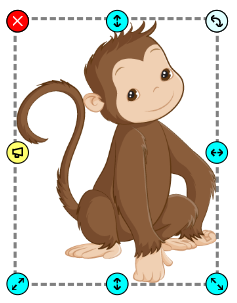
Click and drag one of the handles to resize the object.
Drag toward the middle of the object to make it smaller.
Drag away from the object to make it larger.
You will see handles around the object.
Click and drag one of the handles to resize the object.
Drag toward the middle of the object to make it smaller.
Drag away from the object to make it larger.