
You can fill a solid color with another color.
Click the Paint Bucket tool on the tool palette.

You will see the Fill options panel.
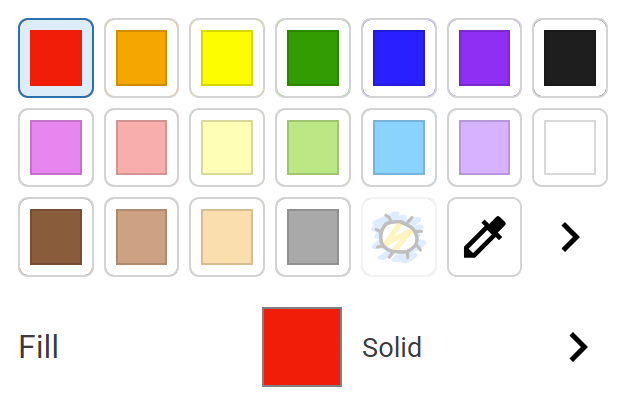
Click a color on the color palette.
Click the More button for the Fill.

You will see the Fill options.
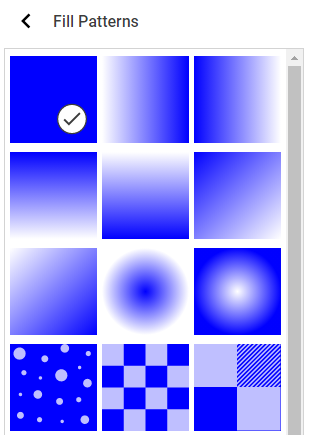
Click the fill pattern you want to use.
Click the Back button.
Click a solid color to fill it.
You will see the Fill options panel.
Click a color on the color palette.
Click the More button for the Fill.
You will see the Fill options.
Click the fill pattern you want to use.
Click the Back button.
Click a solid color to fill it.