
You can paint with the Paint Brush tool.
Click the Paint Brush on the tool palette.

You will see the brush options panel.
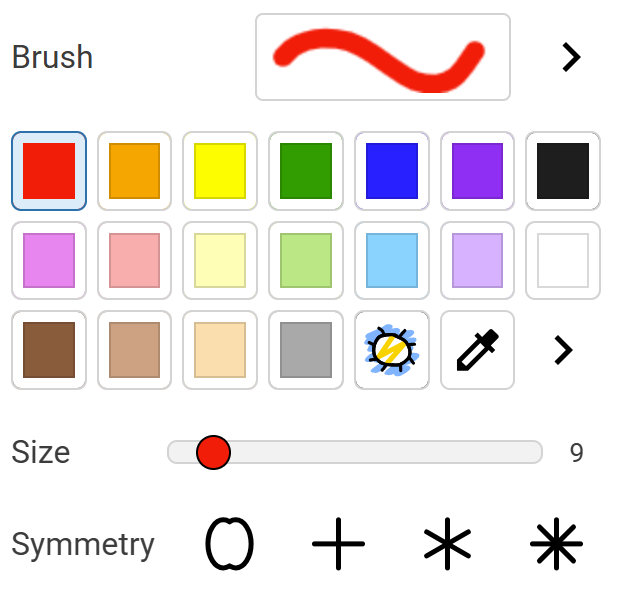
Click a color on the color palette.
Click the More button for the Brush to choose a brush style.

You will see a list of brushes.
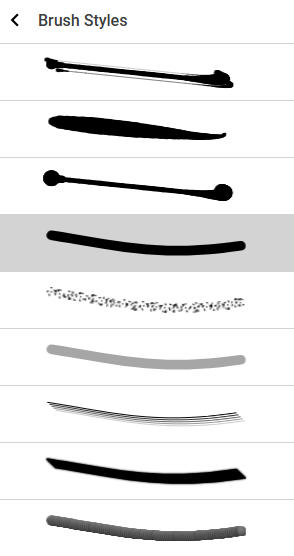
Click a brush.
Click the Back button.
Use the Size slider to change the size of the brush.
Click and drag on the page to paint.

You will see the brush options panel.
Click a color on the color palette.
Click the More button for the Brush to choose a brush style.
You will see a list of brushes.
Click the Back button.
Use the Size slider to change the size of the brush.
Click and drag on the page to paint.
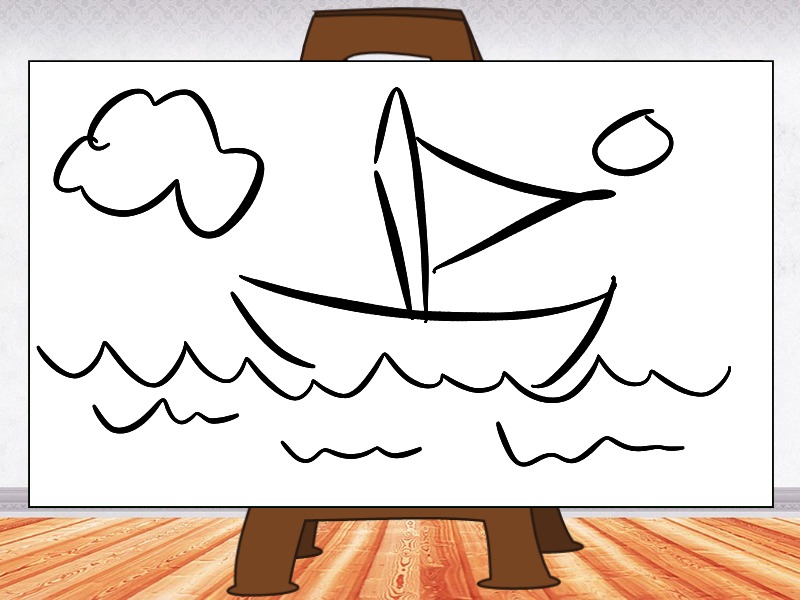
The brush option you use to paint, enables you to draw in very different styles.
Changing your brush option can help you write in lettering that has a unique style.