
You can check a text object for spelling errors.
Click a text object to select it.
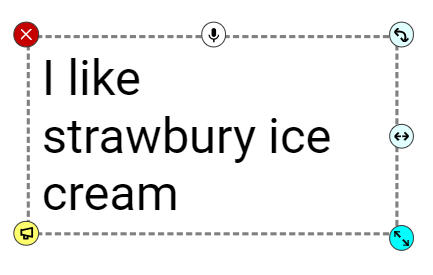
Double-click inside the text object.
Misspelled words will have a red squiggly line under them.
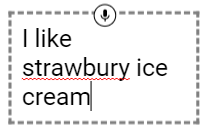
Right-click the misspelled word. You will see a list of options.
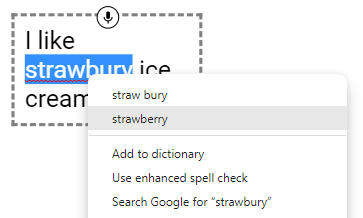
Click the correct spelling that you want.
Double-click inside the text object.
Misspelled words will have a red squiggly line under them.
Right-click the misspelled word. You will see a list of options.
Click the correct spelling that you want.