
You can add a bubble around a text object.
Click the Text tool on the toolbar.

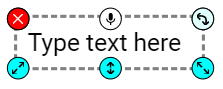
You will see a text object in the middle of the page.
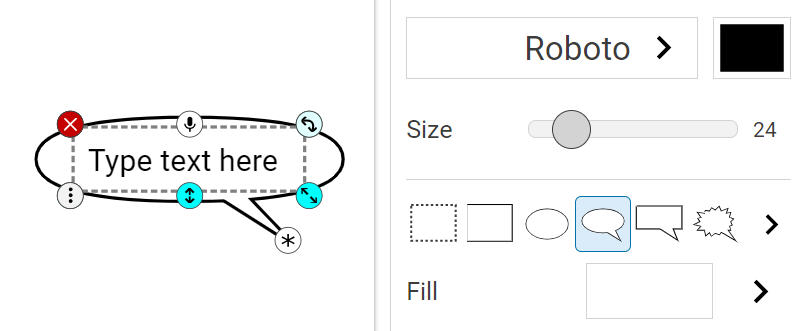
Select a bubble on the text editing panel. You will see a bubble around the text.
Type the text you want to add.
Click the page outside of the text object when you are finished.
You will see a text object in the middle of the page.
Select a bubble on the text editing panel. You will see a bubble around the text.
Type the text you want to add.
Click the page outside of the text object when you are finished.