
Wixie's 2026 Summer Update
The Wixie team has been busy all spring to provide you with the best Wixie yet. We are excited to share new features like video reflections, a designer interface, new authoring tools and much, much more.




New teacher tools
Designer theme
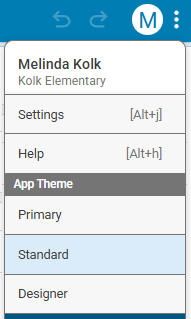
A new Designer theme makes it easier for teachers designing instructional templates. The Designer theme always shows all of the authoring tools, regardless of what has been hidden in the project settings.
No more toggling settings on and off during the editing process. To view what students will see (and ensure what you have hidden is gone), simply switch to Standard or Primary Theme (Settings menu) to check how the project will look for students.
The Placeholder object option in Widgets is now only available to teachers in Designer theme. Additionally, teachers can provide text instructions, such as sentence starters, for voice recording that show when students select the microphone.
AI template tool
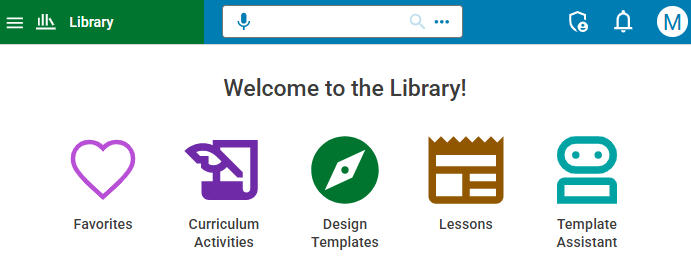
The Library includes a new AI-driven tool for generating template drafts from a prompt.
Tell the assistant what want your students to do and it will generate a template you can customize for your curriculum.
Assignments
The Assignments tool has gotten several upgrades to help you be more efficient with student work, making it easier to:
- see all assignments in a grade
- plan for the entire year
- grade student work
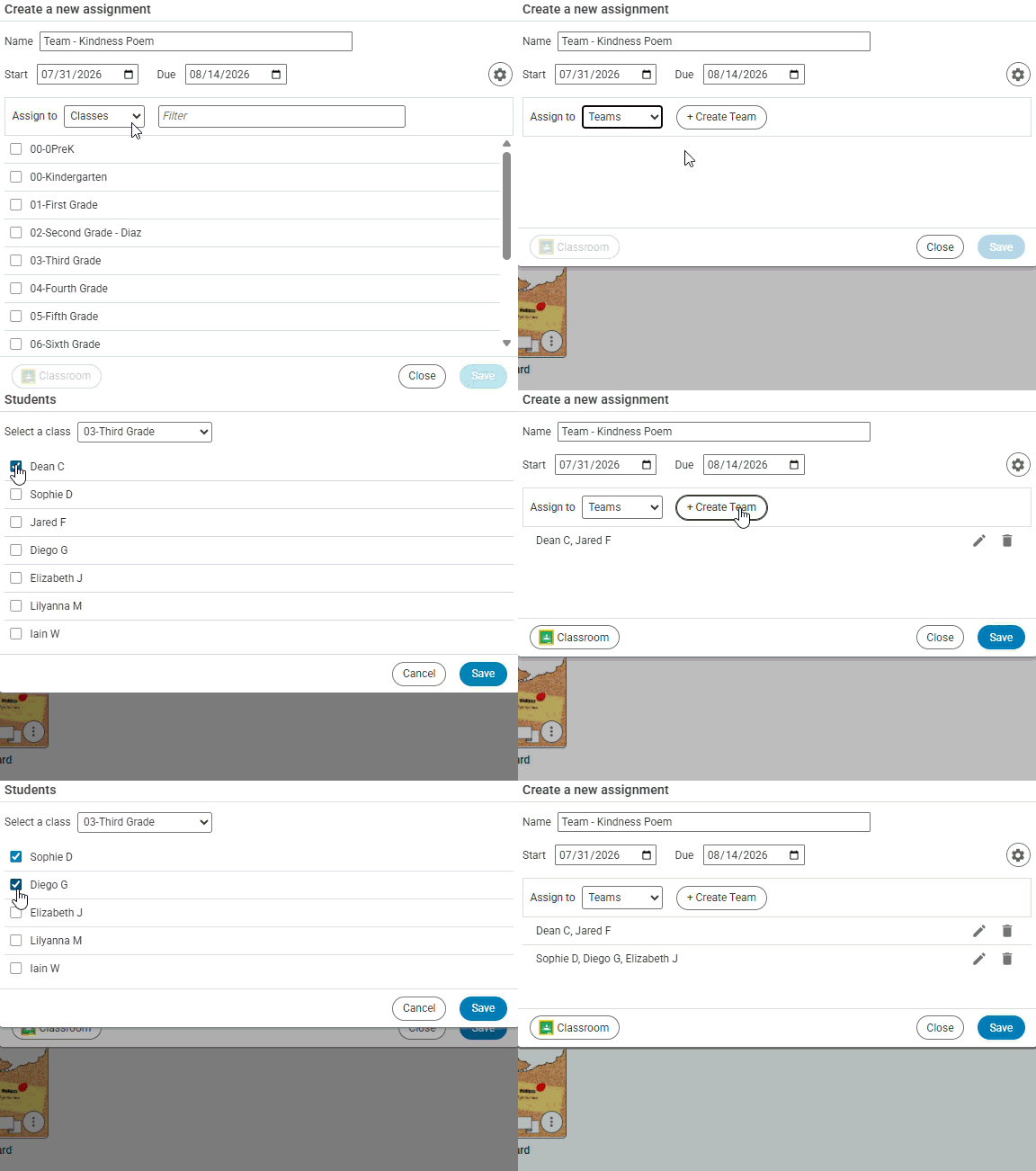
One of the best changes is how easy it is to create team assignments!
Notifications
The toolbar includes notifications for teachers, sharing information when students start or complete an assignment, reply to comment, or start a team project. Browse the notifications to quickly give additional feedback and track student progress.
Stop Motion
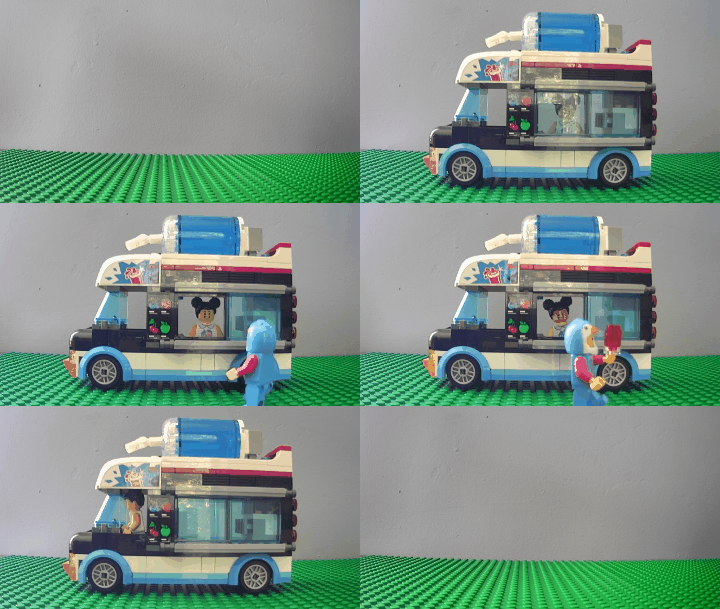
Wixie now includes tools that make it easy to quickly create stop motion animations.
To start a stop motion project, click the Stop Motion button on the prompts bar.
Student video reflections and more
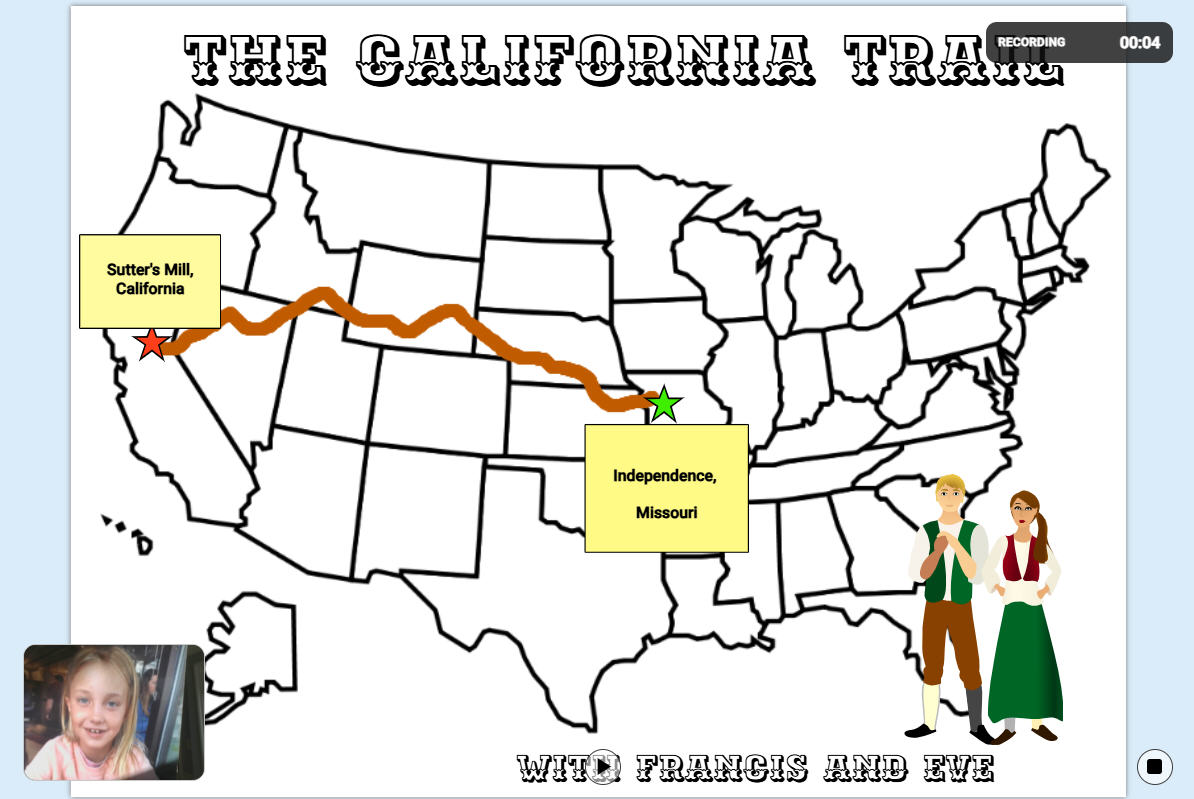
Students can now create video reflections, recording what they learned while they show off their project. Wixie provides a small video capture window next to each page for students to capture their explanations. When they are finished, a video containing both their project and this video narration is added to a new page at the end of their project.
Video reflections are great for portfolios, explanations, and building metacognitive skills.
When designing their projects, students will find additional creative features too! These include:
- new shapes, fills, and brushes
- opacity for paint brushes and backgrounds
- new slideshow transitions
- additional mind mapping tool options
Wixie's GIF export now includes an option for replay mode. Simply create a one-page project, draw or add media, download as a GIF file and be sure to the check the Replay check box!
Interface changes
Wixie has a less cluttered dashboard, simplifying life for students. The project prompts have also been reorganized to include the most common ways to start projects in Wixie, moving from idea to creation more quickly.
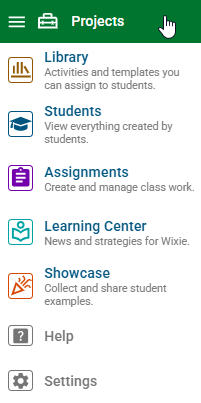
The new navigation menu keeps the dashboard open for your work and makes it easier to jump from one task to another wherever you are in Wixie.
You will now find all Wixie activities and templates in the Library. The library also includes the Wixie lesson plans and the new AI tool to help you generate customized templates to use with students!
 Effective Integration
 Instructional Design
 Learning Strategies
 Literacy
 Month-by-Month
 Product Ideas
 STEM/STEAM
 Share and Showcase
 Updates
 User Management