
Wixie puede ayudar. Wixie peut vous aider. Wixie helps ELLs.
All levels of language learners have the ability to make sense of new content and language acquisition by taking advantage of Wixie’s integrated visuals, listening and speaking features, multiple language interface options, scaffolded activities, and real-time collaborative teamwork opportunities.
Use visuals to connect ideas and bolster vocabulary.
Students and teachers can pull from thousands of images in Wixie’s embedded libraries and cement vocabulary development with galleries of food, clothing, household items, and more. Many activities in the Curriculum Activities library are connected to images based on the lesson objective.
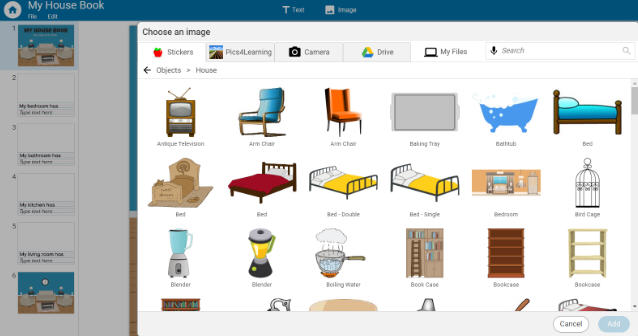
Using images also provides students with an opportunity to convey background knowledge and prior experience as a new language is being acquired.
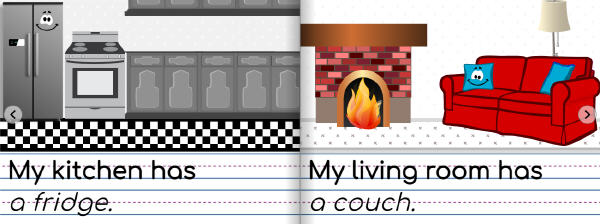
Enhance understanding and fluency with listening and speaking features.
If students are not familiar with textual information they encounter in Wixie, they can use the text-to-speech option to have the computer read it to them. Teachers can also type and/or record activity instructions in a student's native language.
Students can also record audio to practice their oral fluency skills. Teachers can have students add these to a portfolio over the course of the school year to record growth and provide artifacts for parents.
Customize activities to scaffold student learning.
From graphic organizers to cloze paragraphs and pattern story adaptations, Wixie includes a library of classroom activities teachers can assign to students to help them organize, optimize, and share their learning.
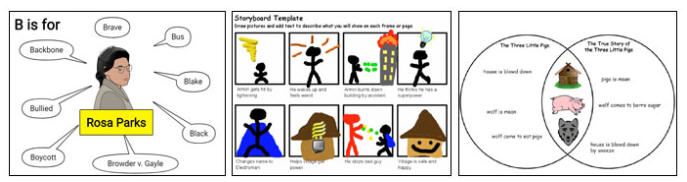
Wixie also includes thousands of activities to support content learning at a range of language acquisition stages.
Collaborate with other language learners
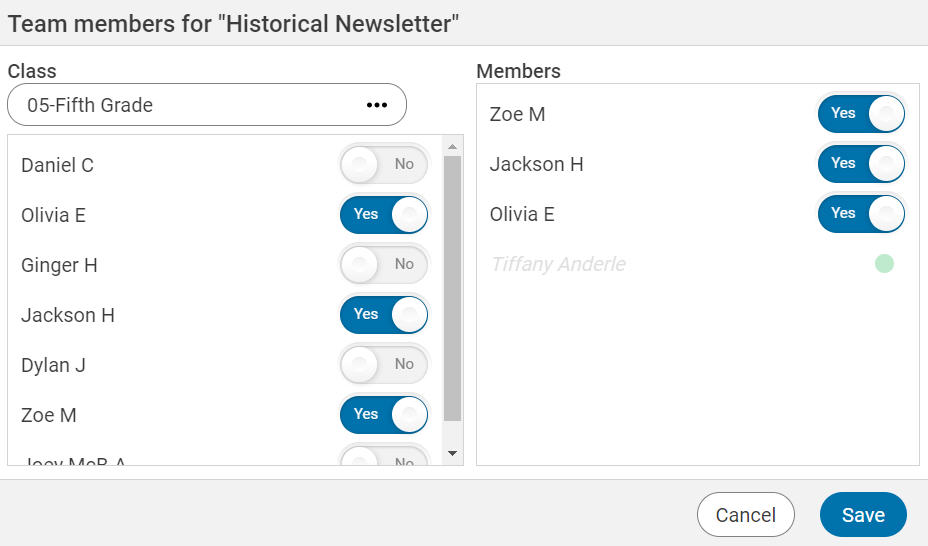
Collaborative teamwork using Teams feature in Wixie can be used to support, challenge or extend thinking and language skills. For example, you can have ELL’s who are in the entering or developing level draw or add images to support content while more proficient language learners can provide the writing and audio. All team projects by default include the teacher(s) so you can join any project to offer suggestions and provide additional levels of support.
Share to motivate and promote learning
Students are motivated to put in the effort when they know their work matters and it will be shared and used by others. Wixie works online, so students simply share the URL to showcase their work. They can create interactive digital books and videos.
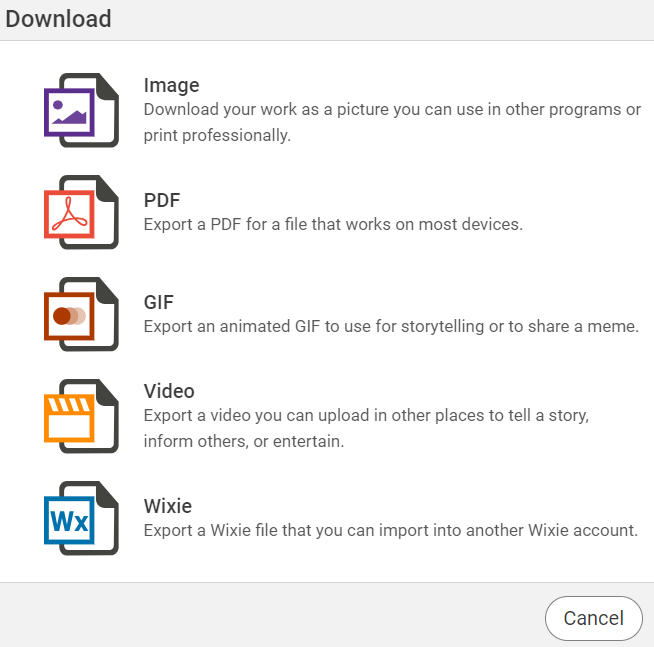
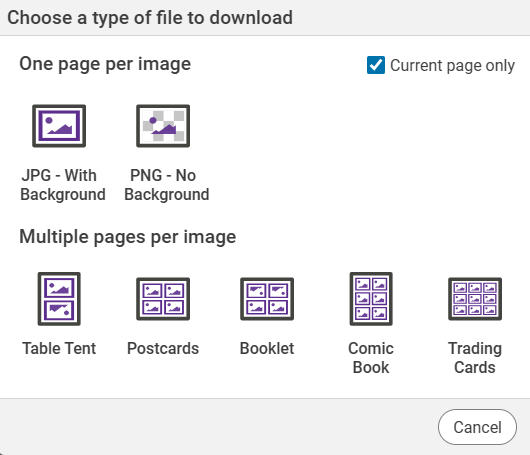
And don’t discount the value of tangible printed artifacts. For example, students can print 4-page projects as booklets they can take home and read over and over again to their family and friends. Projects can also be printed as comics or trading cards for game play.
Learning a language, while being tasked with learning new content is no easy task. Having ELL’s use Wixie can reduce anxiety levels, help cement vocabulary and fluency with built in images and options, and serve as the perfect creative canvas to apply and share their love of learning and language acquisition.
 Effective Integration
 Instructional Design
 Learning Strategies
 Literacy
 Month-by-Month
 Product Ideas
 STEM/STEAM
 Share and Showcase
 Updates
 User Management