
Wixie's Month-by-Month activities make it easy to integrate technology
Students can always create in Wixie starting from a blank page! But many students (and teachers) work best with more direction. The Month-by-Month activities in Wixie’s Curriculum Activities library provide this direction and make it easy to integrate technology into daily classroom learning.
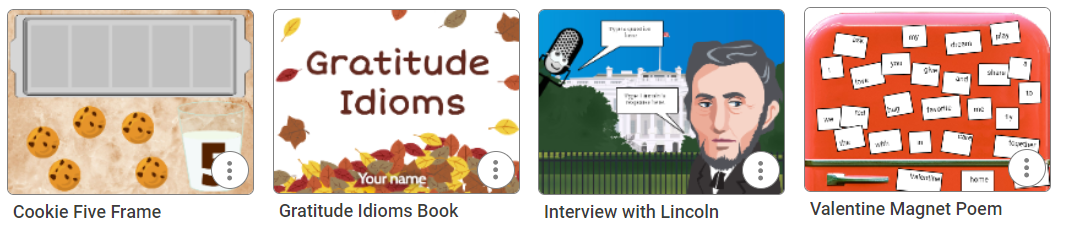
The Month-by-Month activities connect to holidays and events throughout the year, while also addressing standards and classroom learning goals. For example, you will find:
- spooky writing prompts for Halloween in October
- gratitude activities for Thanksgiving in November
- sorting activities for Valentine’s Day in February
Finding Wixie's Month-by-Month activities
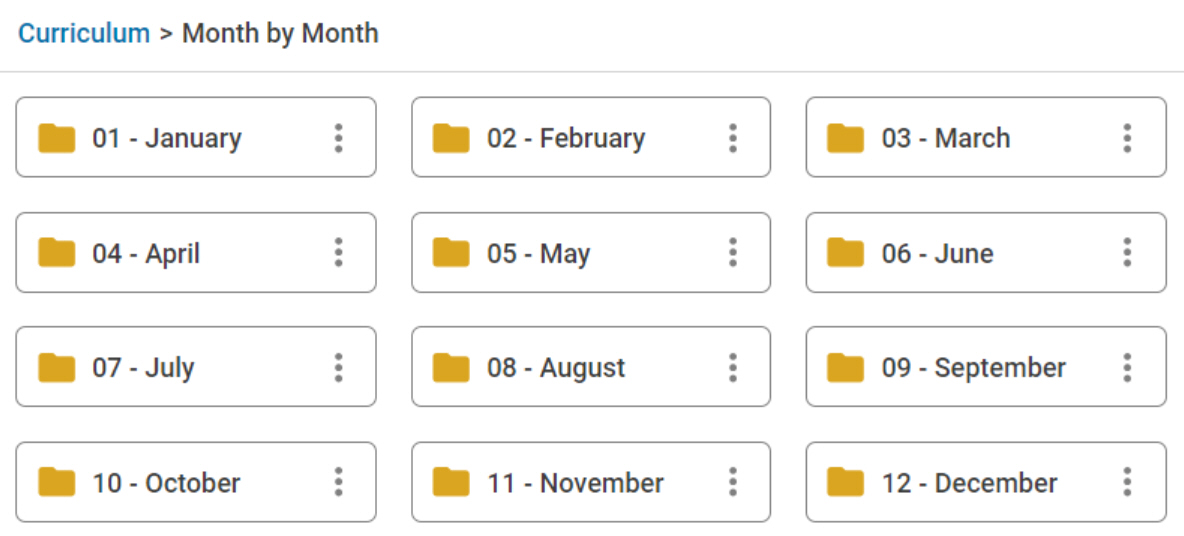
To explore the Month-by-Month activities, log in to your teacher account. Open the Curriculum Activities library on the left, open the Month-by-Month folder, and browse the activities for each month.
You can also type the name of the month or holiday in the search field at the top.
Note: The templates you find will depend on the grade level(s) selected in your Wixie settings. To adjust the grade levels, select the profile icon and choose Settings. Choose the grade levels you want to see for activities, templates and supporting resources.
Students can use this same process to find and open Month-by-Month activities. However, if you assign the activity to them, it shows at the top of their Wixie home page when they log in, making it easy to get started working right away!
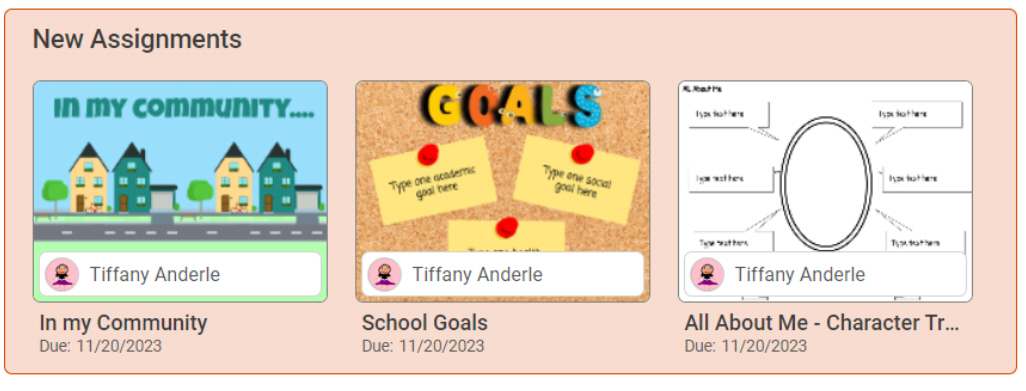
Assigning Wixie templates
To assign an activity to your students, use the three dots next to the one you want to use and select Assign.
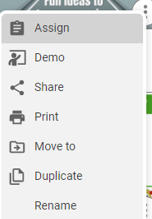
At the Assign dialog, choose the days you want it to appear on your student's home page, as well as which classes and students you want to use it.
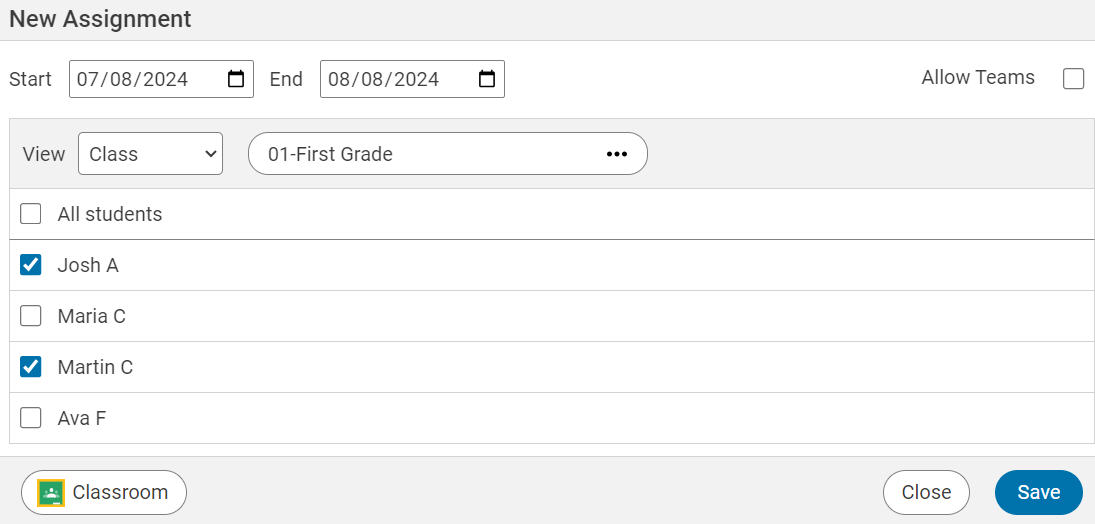
Click Save to have the file automatically appear on your student's home page on the dates you have chosen.
It's easy to make technology integration part of classroom learning
The Month-by-Month activities are easy ways to make technology part of daily classroom learning. The activities in the Month-by-Month folder are also perfect when you need a last-minute activity to fill out your day or a task to engage learners with a substitute teacher.
Since many of the Month-by-Month activities involve simple skills such as drag-and-drop, labeling, and painting, they are great ways to help students build skills essential for online testing!
 Effective Integration
 Instructional Design
 Learning Strategies
 Literacy
 Month-by-Month
 Product Ideas
 STEM/STEAM
 Share and Showcase
 Updates
 User Management