
Wixie update - A million more images
The latest Wixie update makes the images on Pixabay available from the Image button in Wixie. Pixabay has over 2 million high-quality, professional images and a community of creatives contributing more every day.
Wixie takes advantage of the Pixabay Safe Search feature to filter image searches to meet both the needs of your students for appropriate images and your school’s digital safety requirements. These images are all human-reviewed to ensure it is a great image, is free to use, and is generally considered to be not-offensive.

Wixie also layers another filter on top of the Safe Search and limits the volume of results to get your students the most appropriate images for their projects possible. All images pass through our servers, so if you currently block Pixabay on your network, students can still get access to the images from within Wixie.
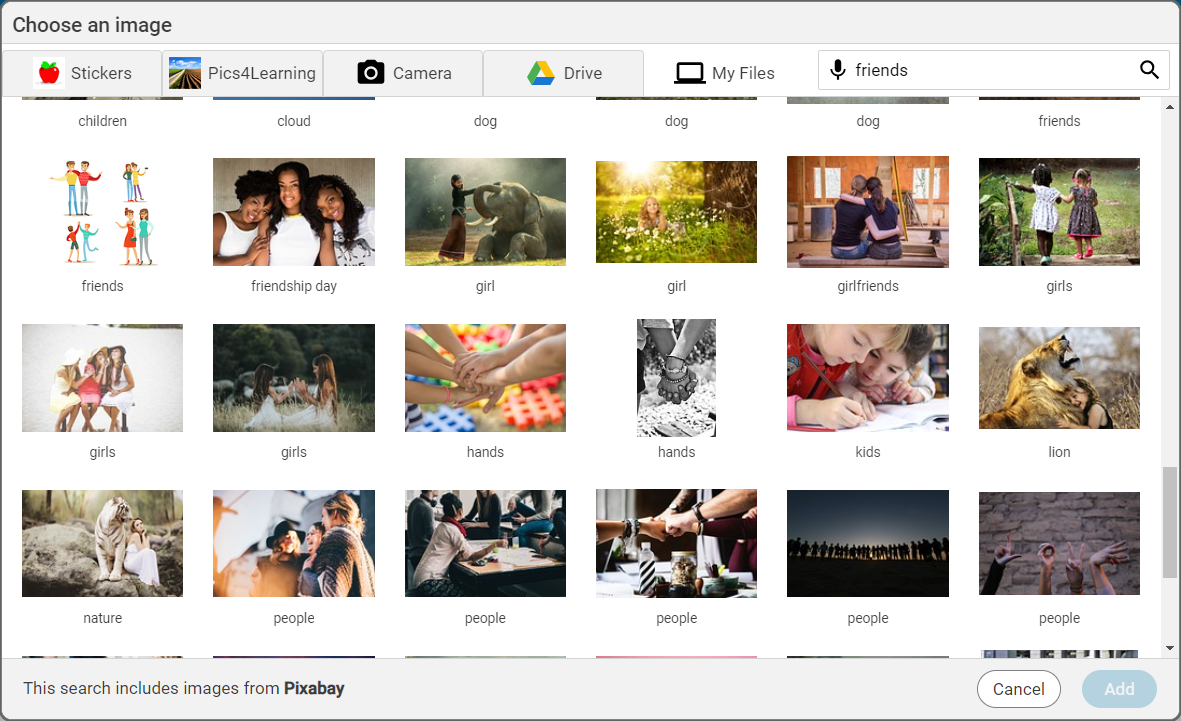
Pixabay images will show in the results of searches from the Wixie image dialog. The Pixabay resources are mixed with the stickers and images from Pics4Learning that you have already been using.
For this initial release, your school will have to turn on Pixabay to start using it. To turn on Pixabay, contact your Wixie Account Specialist or your school’s Wixie administrator. The Wixie administrator can log in to your school’s Wixie administration account and turn on Pixabay in the Preferences section of the Settings page.

 Effective Integration
 Instructional Design
 Learning Strategies
 Literacy
 Month-by-Month
 Product Ideas
 STEM/STEAM
 Share and Showcase
 Updates
 User Management