
Wixie update - Helping teachers and students
The latest Wixie update has 2 new features designed to make it easier to learn and use Wixie.
Project List
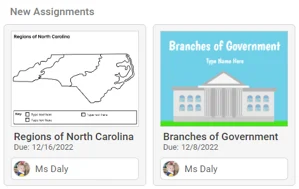
The latest Wixie update helps students who have multiple teachers assigning Wixie projects know who assigned the work to them.
When working in Standard theme, students will see their teacher’s name on each assignment in the list and on work that they have already started.
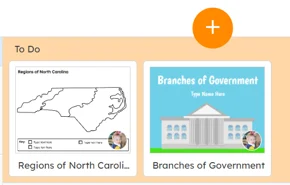
In Primary theme, students will see their teacher’s profile image.
Teachers can customize the name that is displayed to students on their Settings page.
Click the Account icon in the upper right corner of the page and choose Settings.
Change the Display name to the name you would like your students to see.
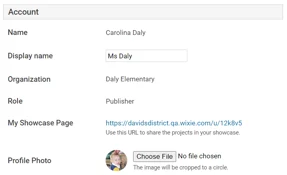
This is also where you can change your Profile Photo if you want to add an image that will be easier for your students to recognize.
Wixie 101
The Wixie 101 training section has been expanded to make it easier to learn how to use Wixie to engage students in learning.
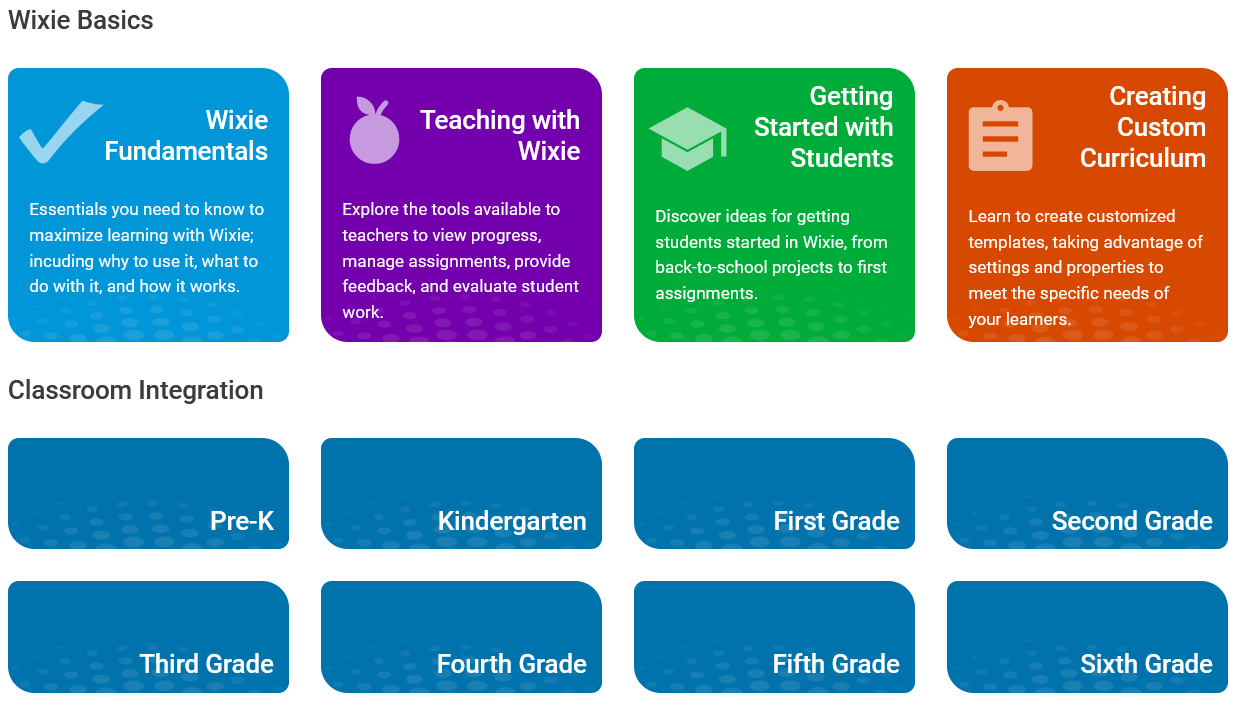
The new Wixie 101 organizes videos, books, and pdfs into courses to help teachers learn to integrate Wixie into the curriculum.
 Effective Integration
 Instructional Design
 Learning Strategies
 Literacy
 Month-by-Month
 Product Ideas
 STEM/STEAM
 Share and Showcase
 Updates
 User Management